
Maker Faire 2026
Get inspired by the creativity and ingenuity of Makers around the world at Maker Faire. See highlights from Maker Faire Bay Area and discover how our technology helps bring innovative ideas to life, from robotics and IoT to wearables and smart devices.
Next stop: Maker Faire Rome. Are you ready to build what’s next? Explore hands-on projects, connect with our experts and discover the tools and technologies that can help power your next big idea.
Maker Faire Bay Area 2026
September 25–27, 2026
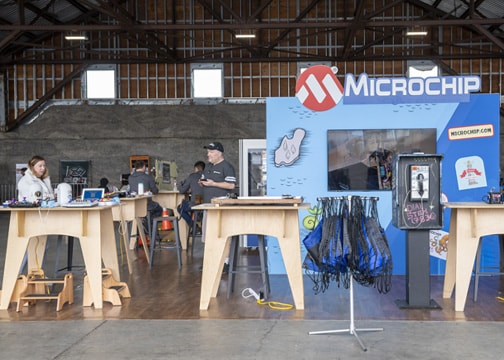
See how we brought creativity and technology together at Maker Faire Bay Area’s twentieth-anniversary celebration with some of our most interactive demonstrations yet. Attendees tested their skills with our motor-controlled claw machine, played retro arcade games built with our PyKit Explorer and tuned a balancing robot using Bluetooth® LE—all while exploring how our easy-to-use development tools and technologies help turn creative ideas into working designs.
Maker Faire Rome 2026
October 23–25, 2026
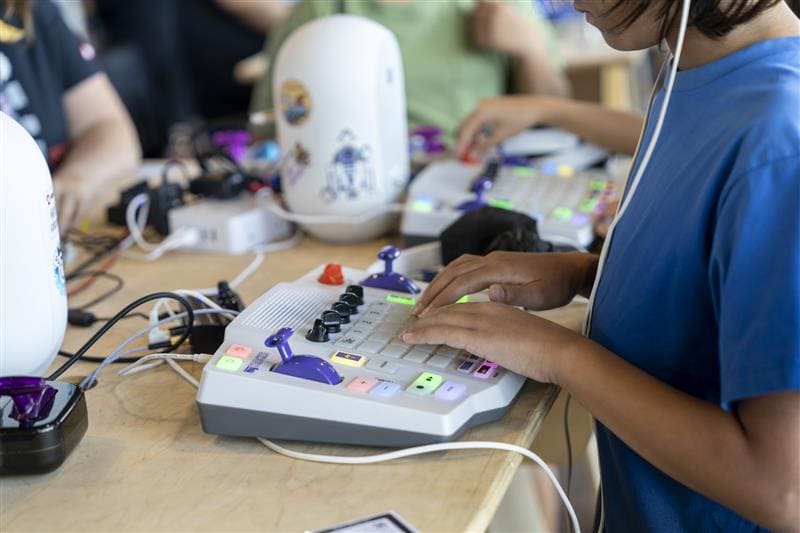
Explore new demos at Maker Faire Rome, including gesture-controlled robotic hands and facial recognition with liveness. Perfect for students, we are ready to inspire the next generation of innovators with practical technologies and educational tools that make engineering accessible, interactive and fun.
Speaking Slot
An Update on AI, CircuitPython® and Zephyr® in the Education Space
Hear new developments from last year’s talk—how AI-assisted development, the new PyKit Explorer platform and Zephyr® RTOS are helping students, educators and makers build embedded applications faster than ever. Get insights on content that has been developed specifically for the education space, including complete workshops that are available for the classroom today.
Speakers: Bob Martin – “Wizard of Make,” Ross Satchell – Senior Engineer of Academic Programs
MakerZone Webinar Series
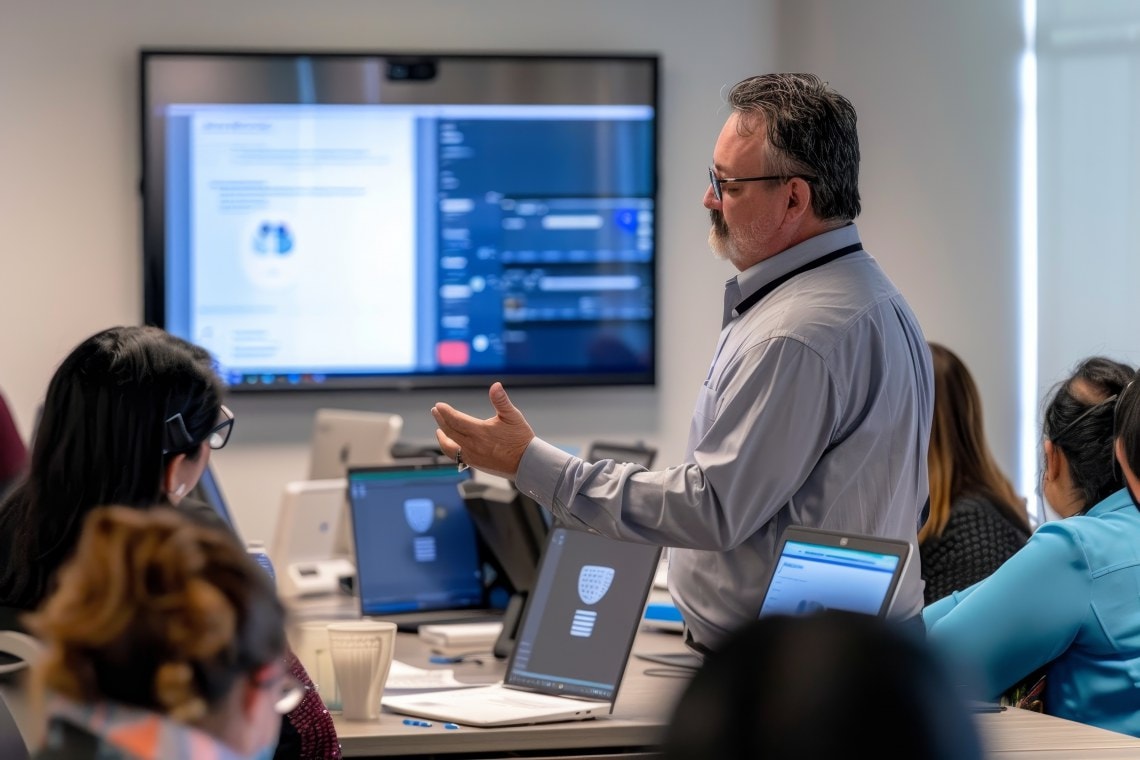
Our MakerZone webinar series focuses on the Maker community and covers the projects, resources and product portfolios we offer to support this vibrant and creative group. The sessions cover topics such as our evaluation boards, Arduino® support in our microcontroller (MCU) development ecosystems and other subjects of interest for makers everywhere. Watch the series on-demand for access to cool maker content and live audience Q&A.
MakerZone Gatherings
Gathering #1: Series Kick-Off
In the first gathering, Bob Martin introduced the resources that we offer to the maker community and the strategy changes he has noticed in the maker space over the past few years, especially in the area of microcontroller (MCU) evaluation boards and the hardware and software ecosystems around them. Bob also introduced the new family of AVR® MCU devices and some of the new features of these parts.
Gathering #2: Maker Space Hardware Part 1
Gathering #2 began with a quick rundown of the more popular Arduino® and Arduino-compatible boards and the upgrades and functional trends that have appeared over the past few years. Bob then moved on to the Curiosity Nano platforms and how they fit in the maker space with direct Arduino Integrated Development Environment (IDE) support.
Gathering #3: Maker Space Software Part 1
Gathering #3 introduced the Arduino® IDE 2.0. Bob dove directly into the Arduino support packages for our Curiosity Nano boards and the Arduino sketch import functionality available in Microchip Studio and MPLAB® X IDE. Importing sketches into formal C++ projects opens up a whole new world of debugging power.
Gathering #4: Maker Space Hardware Part 2
Gathering #4 picked up from where Bob left off in Gathering #2, introducing the mini cellular IoT board, our first board specifically targeted for the maker space.