
Getting Started With Touch Solutions
Tools and Resources to Speed Up the Development of Your Touch Design
Explore the Touch Development Ecosystem
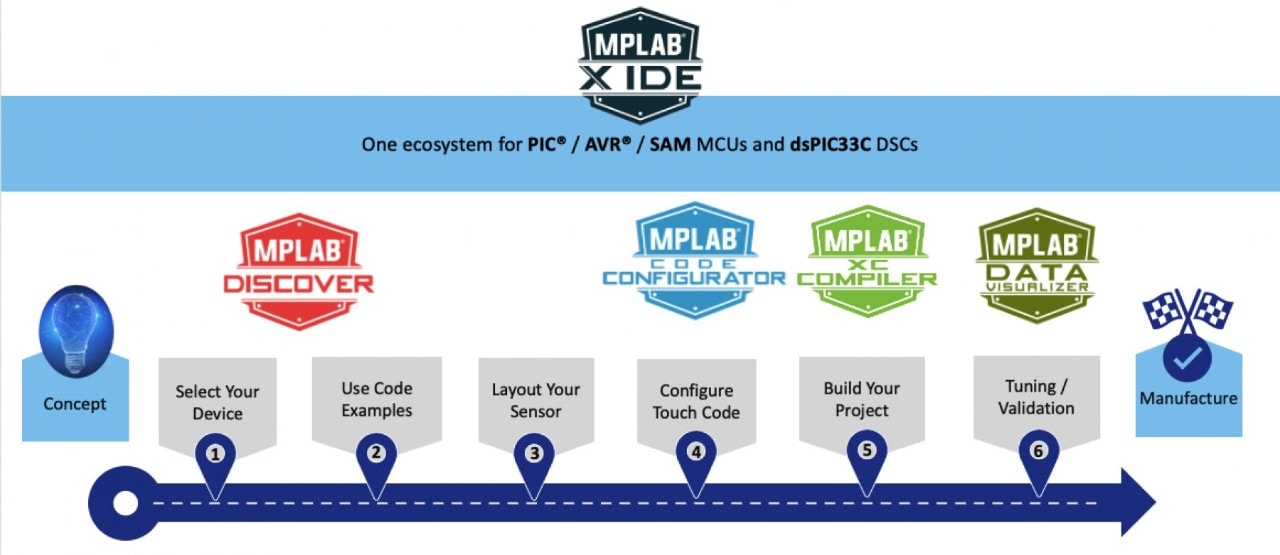
- Find the best touch evaluation kit for your project
- Search for example projects in MPLAB® Discover to speed up your development
- Use MPLAB Code Configurator (MCC) to access the touch library within MPLAB X Integrated Development Environment (IDE)
- Visualize in real-time touch data and tune your design with MPLAB® Data Visualizer
- Go to the Touch Sensing Solution in Microchip Developer Help, where you will find the following information:
- Step-by-step guides for our tools
- Touch design guide
- Descriptions of touch peripherals
- Documentation about touch APIs
- Use our Touch Design Guide to design your touch sensors
Configure Your Touch-Enabled Device
MPLAB® Code Configurator (MCC) makes it easy to configure the code for any of our touch-enabled PIC®, AVR®, SAM and dsPIC33 devices. MCC is updated regularly as the touch features for device families evolve or as we launch new, innovative products. Our MCC Touch Features Overview provides more details on the touch features supported for each family of products. We also offer step-by-step instructions for getting started with MCC.
Other Resources for Getting Started With Touch Projects

Touch Examples
MPLAB Discover is a catalog of fully configured and complete source code, projects, examples and software applications. Use it as your starting point for your touch projects
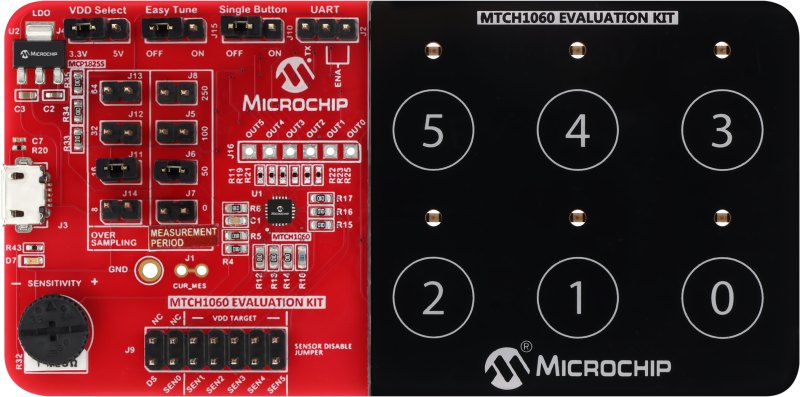
Touch Evaluation Kits
Use a touch evaluation kit out-of-the box or mix and match Curiosity Nano boards to quickly start your prototyping.
Touch Visualization and Tuning
Validation is essential for touch projects. Our touch library offers built-in touch visualization and real-time tuning for your designs.
Capacitive Touch Applications
While buttons for user interfaces are the most common implementations of capacitive touch, there are many other use cases for capacitive touch sensing. Our touch solutions are leading the way in many new capacitive touch applications.
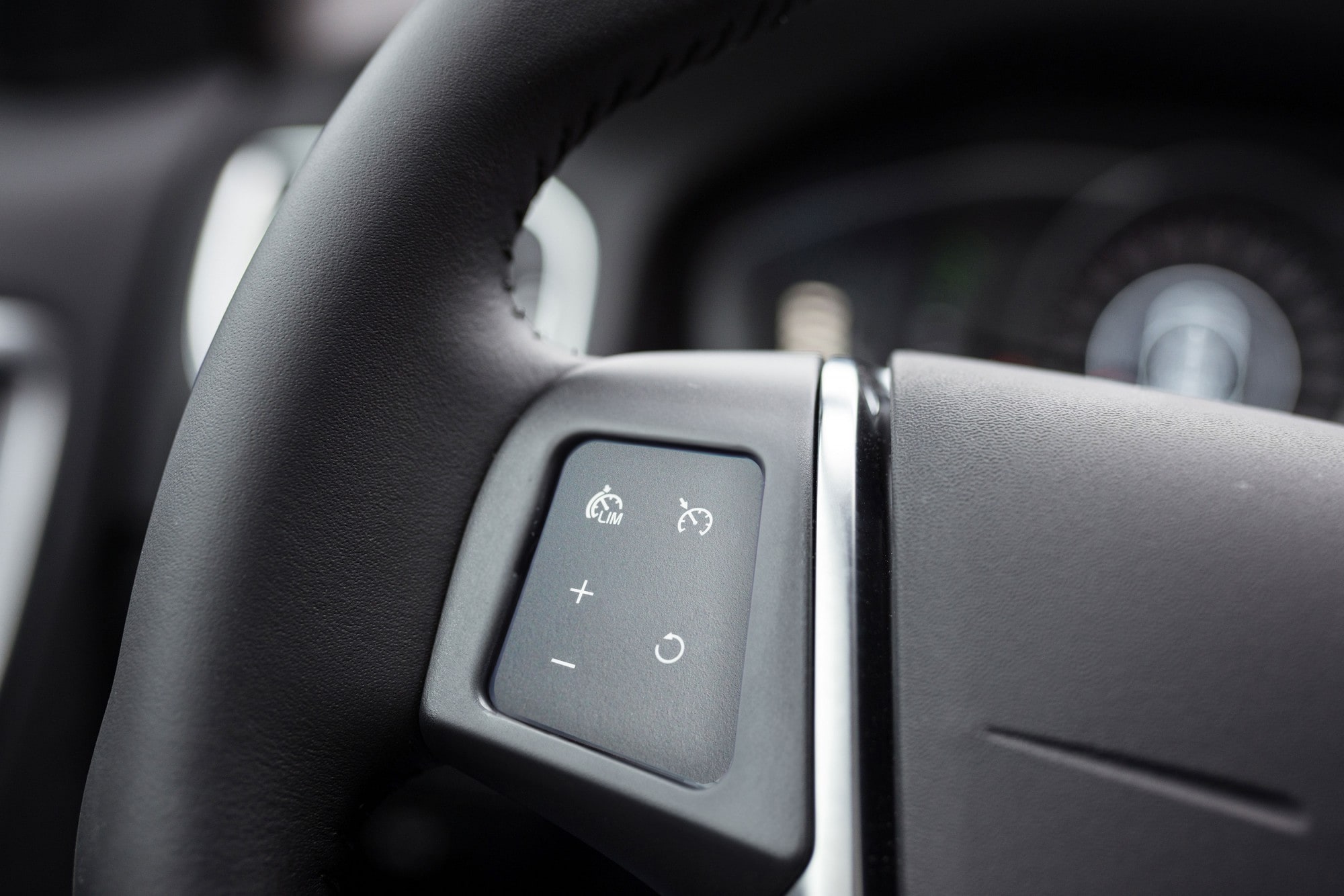
Functional Safety Touch
Functional safety is essential in many markets. Automotive functional safety requirements are governed by ISO 26262. Our Functional Safety Touch Library reduces your development time and effort for a variety of automotive applications, including:
- Cruise control on steering wheels
- Hazard buttons
- Mirror control clusters

Hands-Off Detection
Advanced Drive Assistance System (ADAS) uses Hands-Off Detection (HOD) to verify that a driver's hands are on the steering wheel. We offer a complete, single-chip HOD solution to speed up your implementation and shorten your time to market.
Watch our Hands-off Detection (HOD) Demo video.
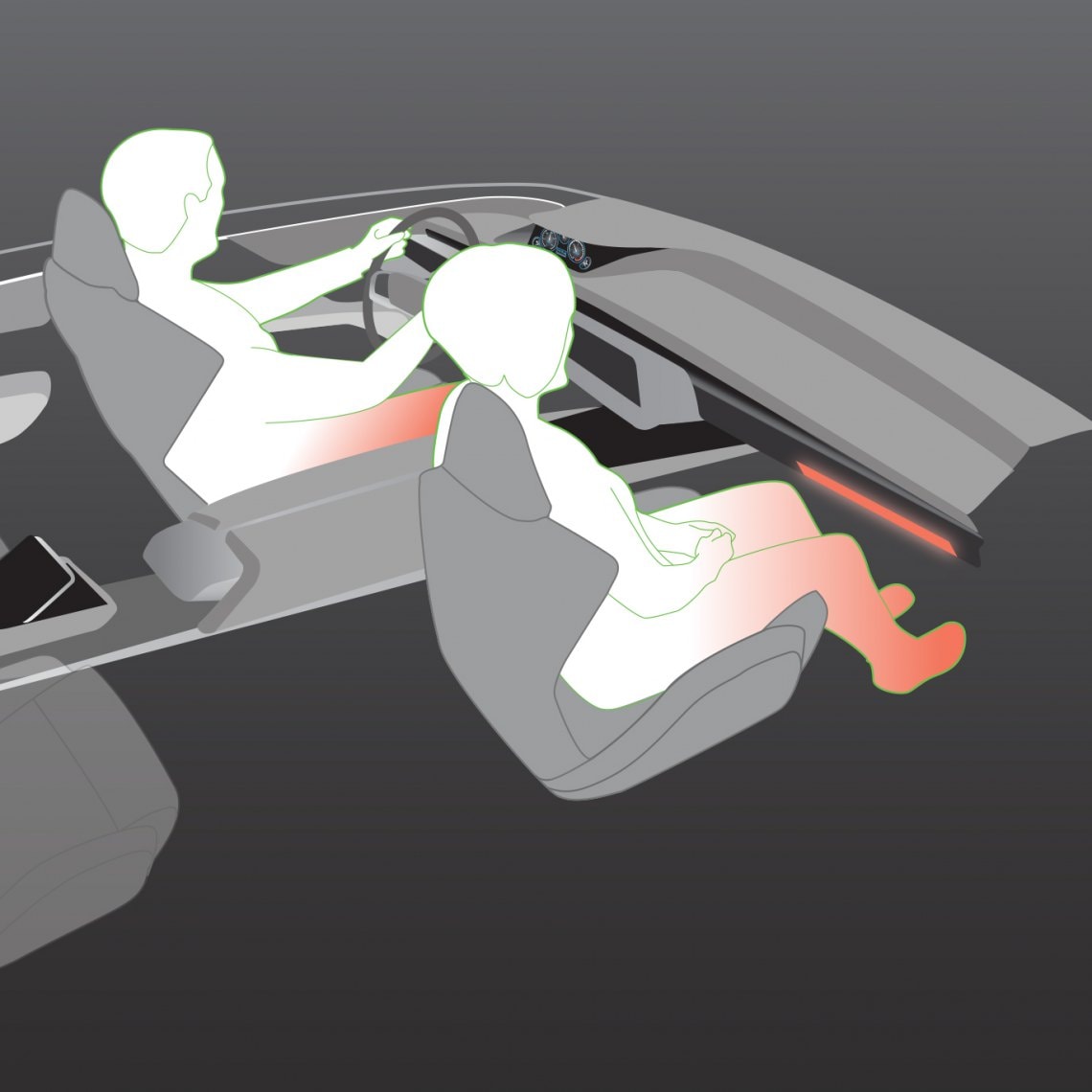
Radiant Heating
Radiant heating is more efficient than traditional car heating systems. Our touch solution for radiant heating controls can help you design an EV heating system that quickly brings the cabin temperature up to comfortable levels.

Car Door Handles and Controls
Touch-based user interfaces aren’t only restricted to a car’s interior. We provide dedicated touch solutions to enable Near Field Communication (NFC) in door handles or to create touch buttons to open a car door.
Watch our Water-Resistant Touch Technology Demo.
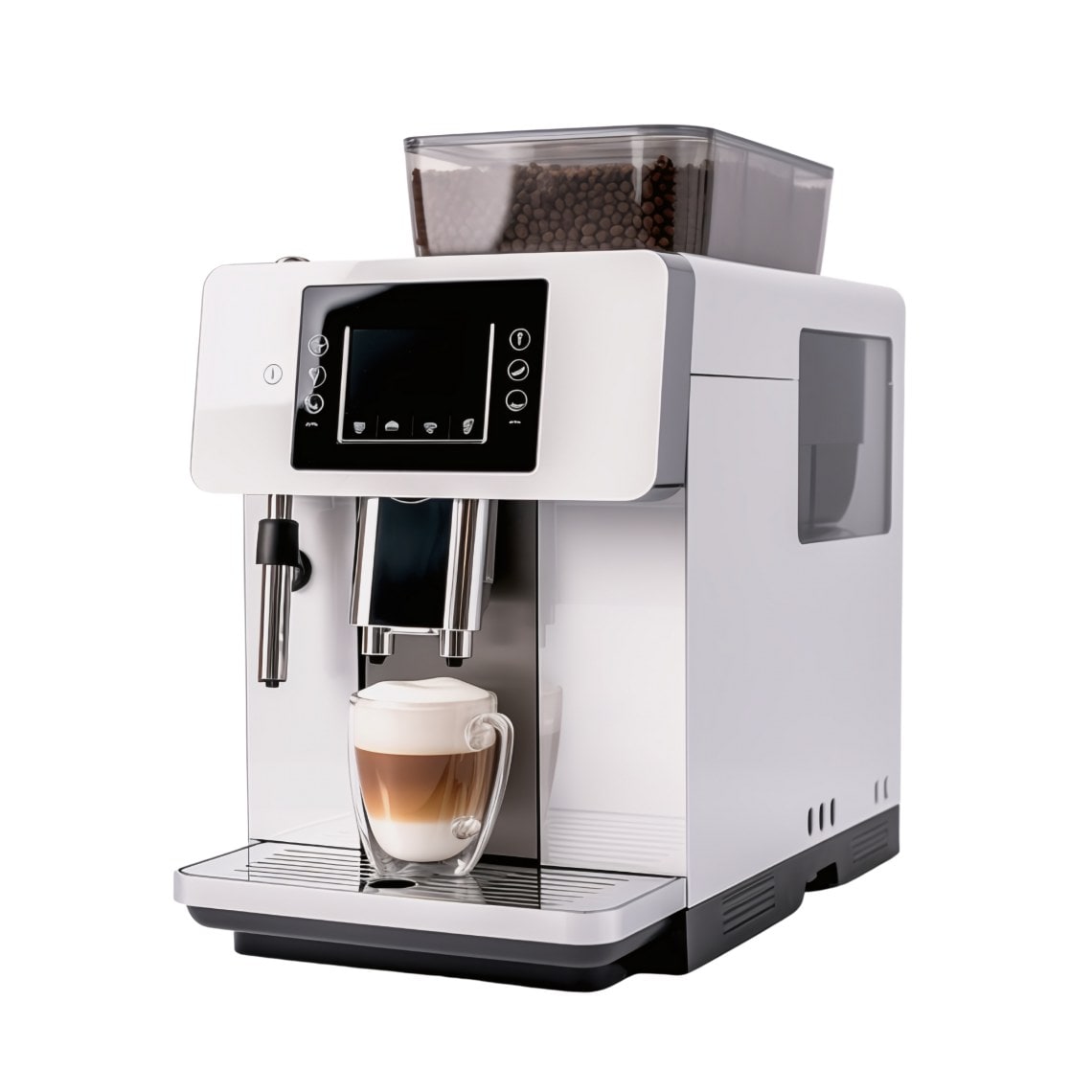
Digital Level Sensing
Our capacitive Digital Level Sensing (DLS) solution senses the levels of liquids, eliminating the need for a floating element and the complexities of a mechanical solution.

Touchpads With Gestures
A touchpad can provide users with an easy and intuitive way to control their devices. Discover how easy it is to add a touchpad to control your new product.
Documentation
Application Notes
Touch Design Frequently Asked Questions
What is the best resource for learning about all the technical aspects of implementing touch in my new design?
What is the best resource for learning about all the technical aspects of implementing touch in my new design?
Go to our Touch Sensing Online Documentation.
Where can I find example projects for touch applications?
Where can I find example projects for touch applications?
You will find example touch projects in MPLAB Discover.
What touch capabilities does my MCU support?
What touch capabilities does my MCU support?
Refer to the MCC Touch Support Overview to learn about the touch features in your Microchip device.
Where can I find information about how to lay out touch buttons or sliders?
Where can I find information about how to lay out touch buttons or sliders?
Please refer to AN2934: Capacitive Touch Sensor Design Guide for assistance with on all aspects of laying out touch sensors on PCBs and flexPCBs. This application note is also available in a web optimized version.
How do I create a touch project in MPLAB Code Configurator (MCC)?
How do I create a touch project in MPLAB Code Configurator (MCC)?
You will find step-by-step guides for implementing touch with MCC Melody and MCC Harmony in the MPLAB Code Configurator section of the online documentation.
How do I visualize raw touch data for my project?
How do I visualize raw touch data for my project?
You can use the Tune feature in MCC Melody or MCC Harmony to easily enable touch tuning with one click. Refer to the MPLAB Data Visualizer section of the online documentation for additional information.
How do I connect the UART/I2C/ SPI on my MCU to the USB port on my PC?
How do I connect the UART/I2C/ SPI on my MCU to the USB port on my PC?
Our Microchip Touch Bridge (MTB) is a tuning bridge for designs using our touch devices. Refer to the Microchip Touch Bridge User Guide for more information.
Is there a way to tune my touch design wirelessly?
Is there a way to tune my touch design wirelessly?
Yes, wireless tuning is supported by the Microchip Touch Bridge. You will find information about implementing wireless communication to your PC in the Microchip Touch Bridge User Guide.
How does a Microchip MCU acquire capacitive signals?
How does a Microchip MCU acquire capacitive signals?
You can learn about this in the Touch Technology section of the online documentation.
I’m using a Curiosity Nano development board with the Curiosity Nano Touch Adapter an a touch extension board. How do I know which pin on my MCU corresponds to a button on the extension board?
I’m using a Curiosity Nano development board with the Curiosity Nano Touch Adapter an a touch extension board. How do I know which pin on my MCU corresponds to a button on the extension board?
Please refer to the Curiosity Nano Touch Adapter Pin Configurator section in our Touch Sensing Online Documentation. This section also includes touch information for Curiosity Pro and Xplained Pro boards