Clockstudio™ Software Tool
Control and Monitoring of Clock Sources
Unleash the full potential of your atomic oscillator with our Clockstudio™ software tool. Its Graphical User Interface (GUI) helps you quickly toggle between the clock’s features and plot their operating parameters. Do you want to see how your atomic clock responds in various environmental conditions? This tool plots, saves and exports clock telemetry for real-time or post-processing data analysis.
Key Features
- Monitor and control multiple clock devices with one intuitive GUI
- View device status, information, documentation and web pages
- Adjust frequency, time of day, 1 Pulse Per Second (1 PPS) disciplining, pulse width and more
- Upload latest firmware to device
- Add notes to save, recall and export telemetry in text or Clockstudio application formats
- Import data with our TimeMonitor analysis software for additional processing
- Support for the 5071B cesium clock added to version 1.1
Documentation
User Guides
Product Highlights
Device Information and Documentation
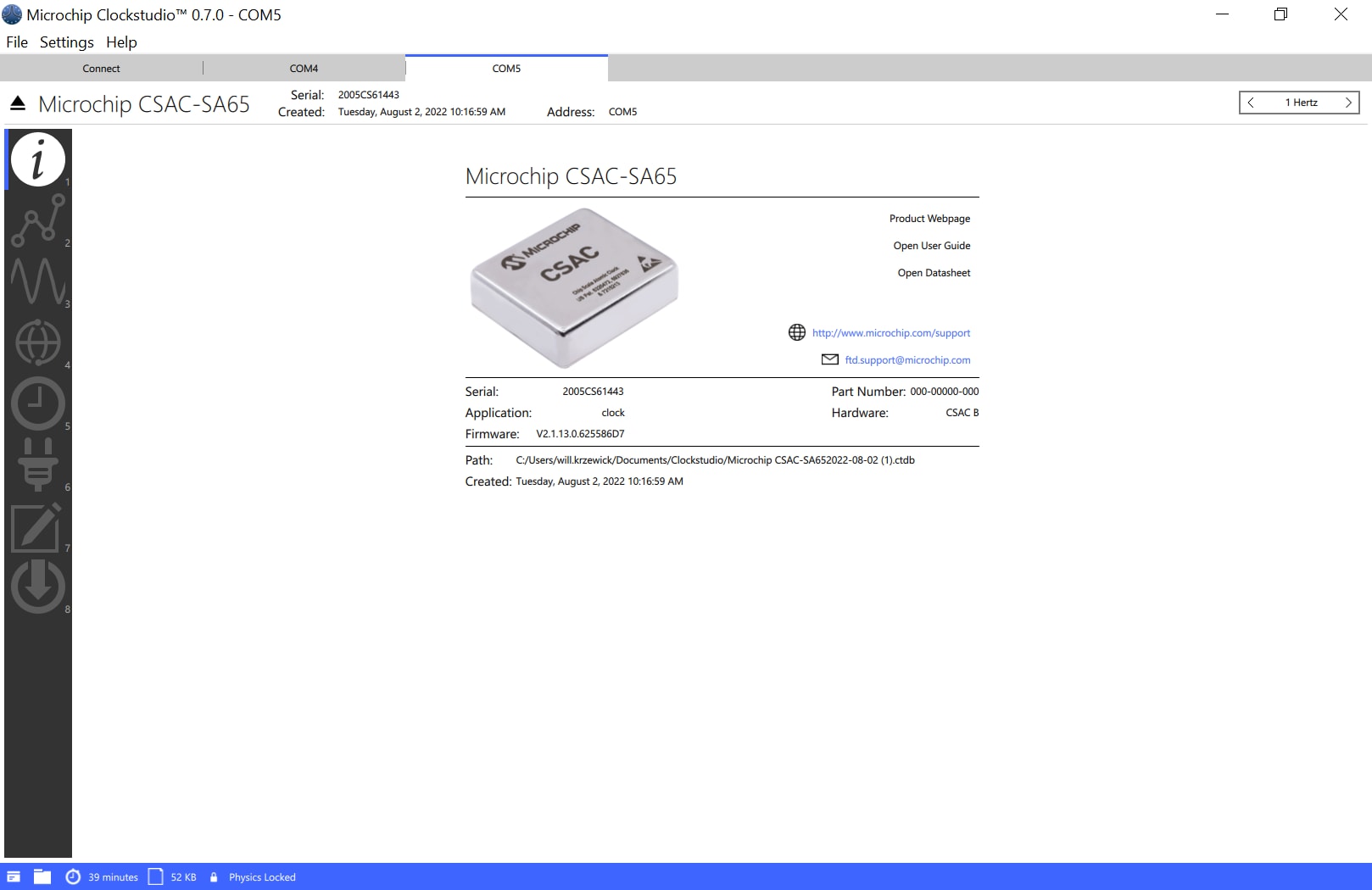
With data sheets, user guides and product support contacts, you’ll have everything you need to get started with one of our atomic clocks. You’ll also have device information such as firmware version, serial number and more to quickly determine important information about a connected device.
1 PPS Calibration
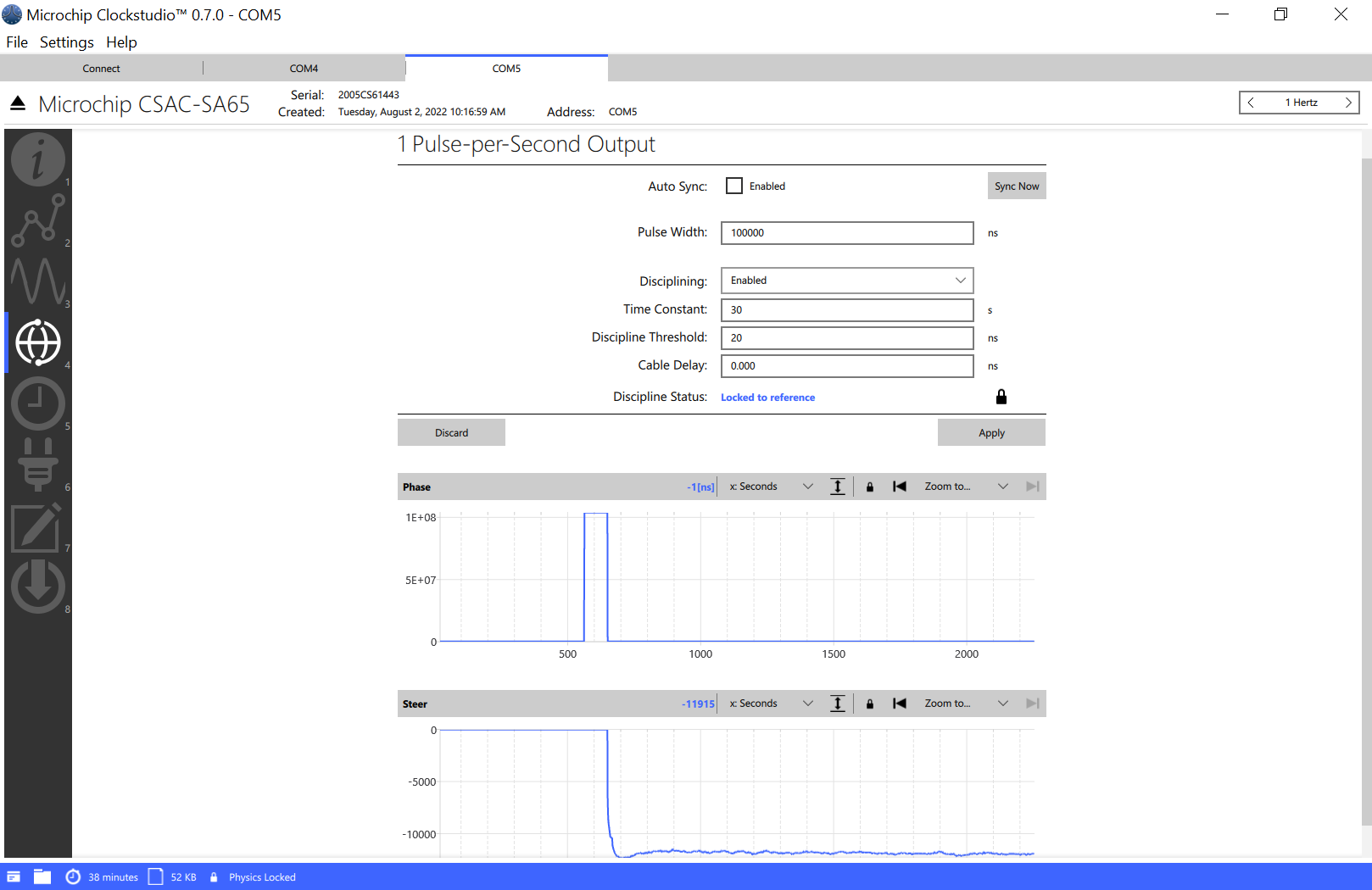
Calibrating an atomic clock oscillator has never been easier. You can modify the 1 PPS disciplining settings with a mouse click to optimize performance and steer the clock to a superior 1 PPS signal from GNSS-derived timing sources or other primary reference clocks.
Supported Clocks
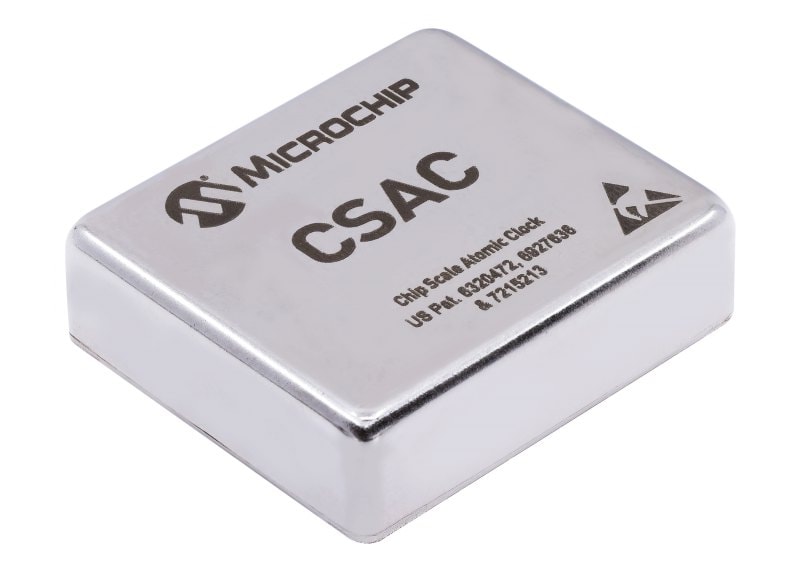
Chip Scale Atomic Clock (CSAC)
- World's lowest-power commercial atomic clock suitable for power-limited and battery-powered applications
- Fast warm-up time compared to crystal oscillators and extended operating temperature make the CSAC excellent for challenging environments
- Low profile and small footprint suitable for a wide variety of embedded applications
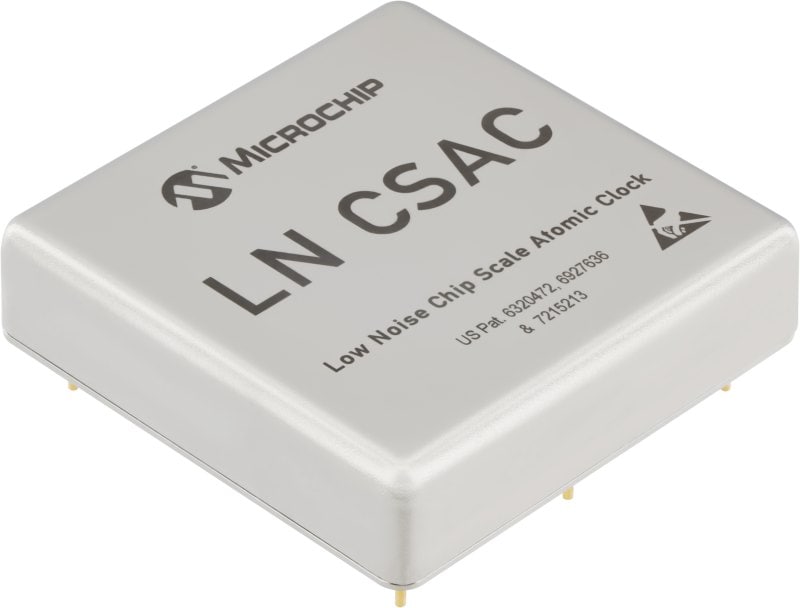
Low-Noise CSAC (LN-CSAC)
- Pairs the CSAC with a high-performance crystal to improve short-term stability performance while maintaining long-term atomic clock holdover performance
- Contains superior phase noise and Allan Deviation performance for applications that require frequency mixing while maintaining signal integrity and low frequency drift
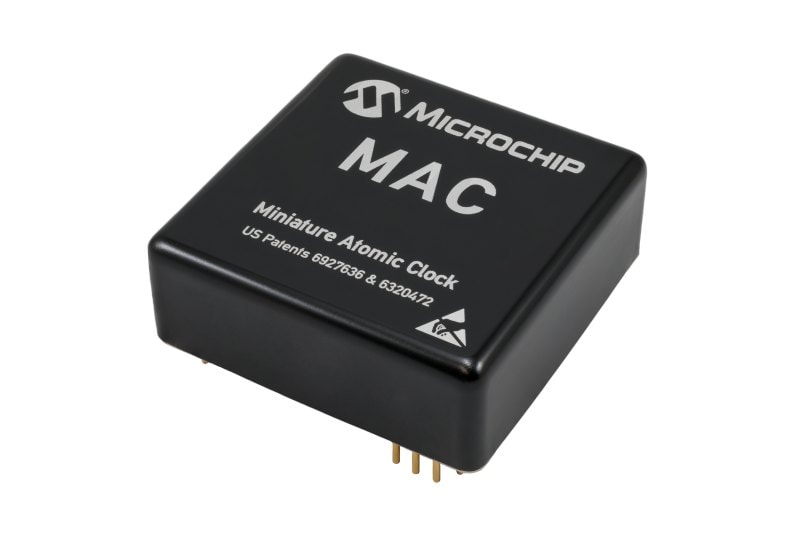
Miniature Atomic Clock (MAC)
- Superior oscillator stablility for demanding commercial and military environments
- Board-mountable, saving space and power compared to traditional atomic references
- Rubidium technology enables extended timing and frequency holdover during GNSS outages
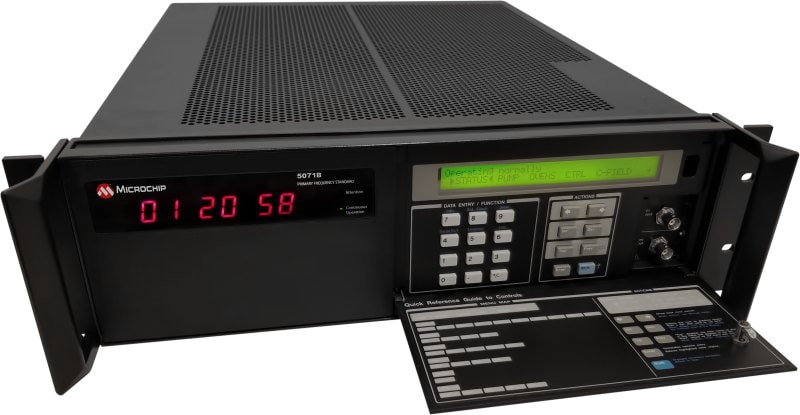
5071B Cesium Frequency Standard
- Successor to 5071A
- ≤ 5E-13 frequency accuracy, including all defined environmental conditions
- ≤ 1E-14 Allan Deviation floor
- No deterministic long-term drift
- Battery backup for short-term power interruptions
Design Help
- Client Support Team
- Sales Representatives
- Support Portal
Need Help Choosing a Product for Your Design?
Our Client Support team is here to support you. Use the link below to schedule a call with a member of our team, use our live chat widget in the bottom right corner or submit a question for assistance and we will follow up with you as soon as possible.

Find Local Sales and Support
We have an extensive network of highly trained clock and timing experts. Go to our listing to locate a sales and support representative in your country.

Access Our Support Portal
Visit our Frequency and Time Systems support portal to download technical documents and other resources, enter support tickets or open RMA service requests.