One Chip, Endless Possibilities
Add wireless, touch, graphics and motor control to your next design with a single microcontroller (MCU). The PIC32 BZ6 wireless MCU family helps you simplify design, reduce costs and get to market faster without compromising on capability.
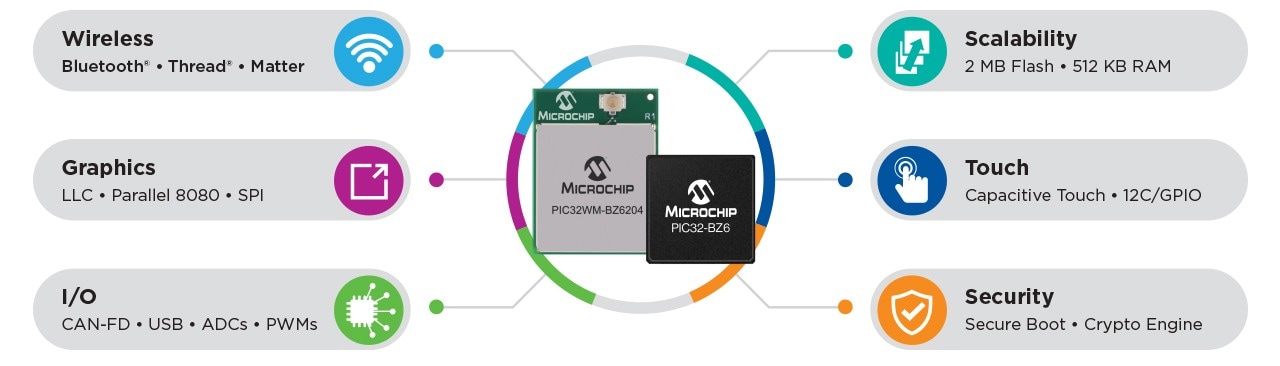
- Bluetooth® LE, Thread® and Matter
- Integrated graphics and touch
- CAN FD, Ethernet and USB
- Automotive and industrial-grade reliability
Simplify Your Stack, Shrink Your BOM and Scale Your Products
If you’ve been pairing a wireless SoC with a UI or control MCU, you may be familiar with the challenges: extra design effort, latency between chips, additional certifications and higher cost. The PIC32 BZ6 is designed to reduce that complexity.
- One chip to handle your wireless, UI and control logic
- Ample Flash and RAM for Matter and Thread stacks
- Regulatory certified modules to fast-track your Radio Frequency (RF) compliance
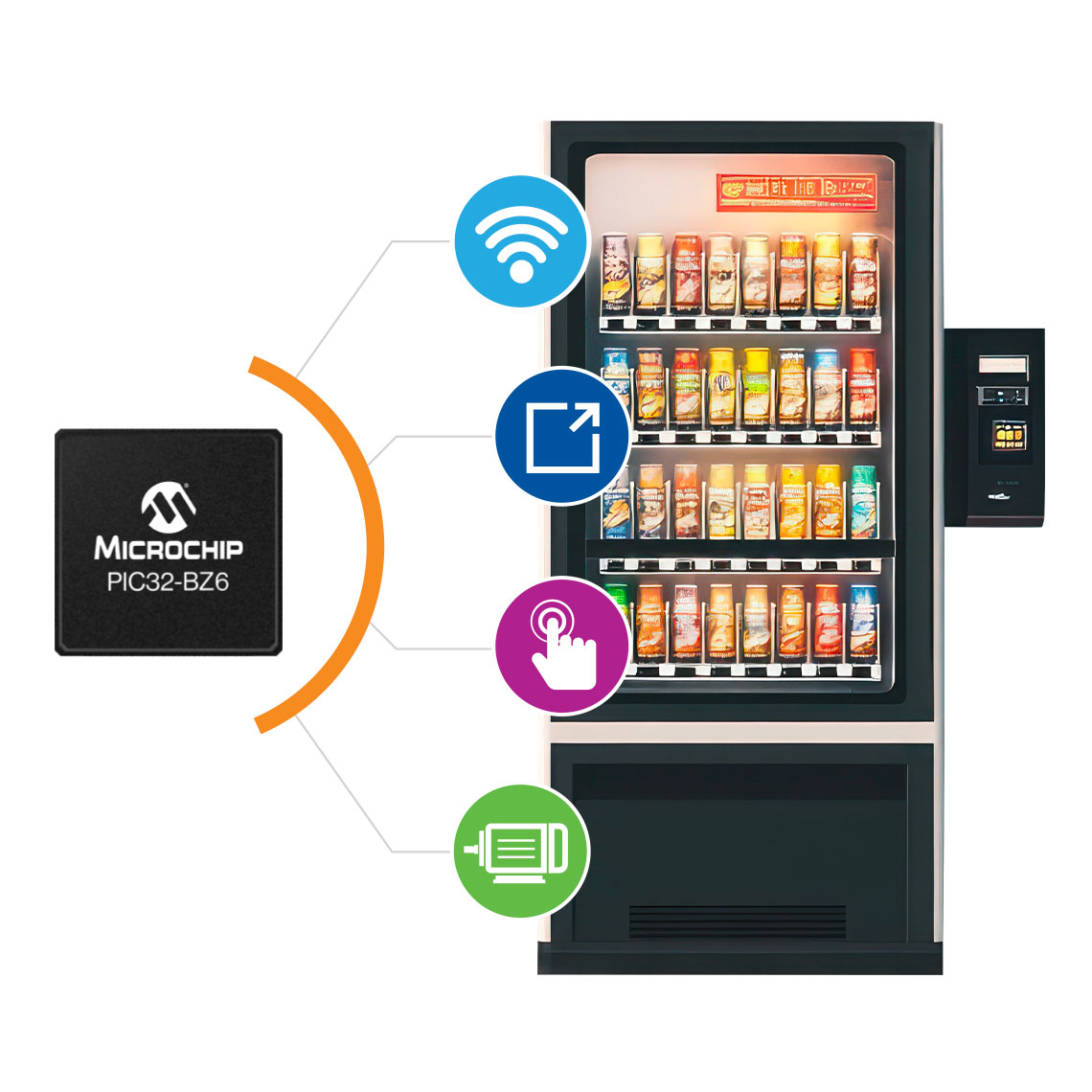
These features make the PIC32 BZ6 family well-suited for smart thermostats, HVAC control panels, medical monitors, vending machines and other applications.
What’s Inside PIC32 BZ6?
Who Is It For?
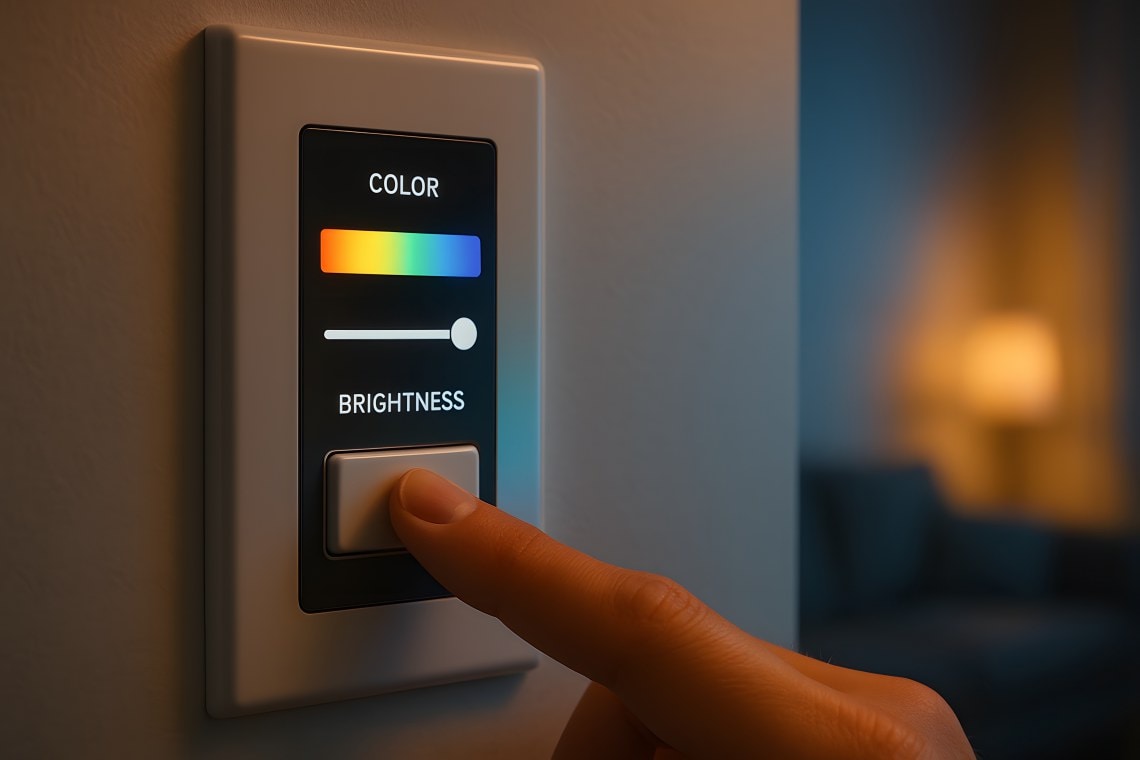
Smart Home Interfaces
Smart thermostats, light switches and appliances

Industrial Control Panels
HVAC systems, sensor gateways and building automation
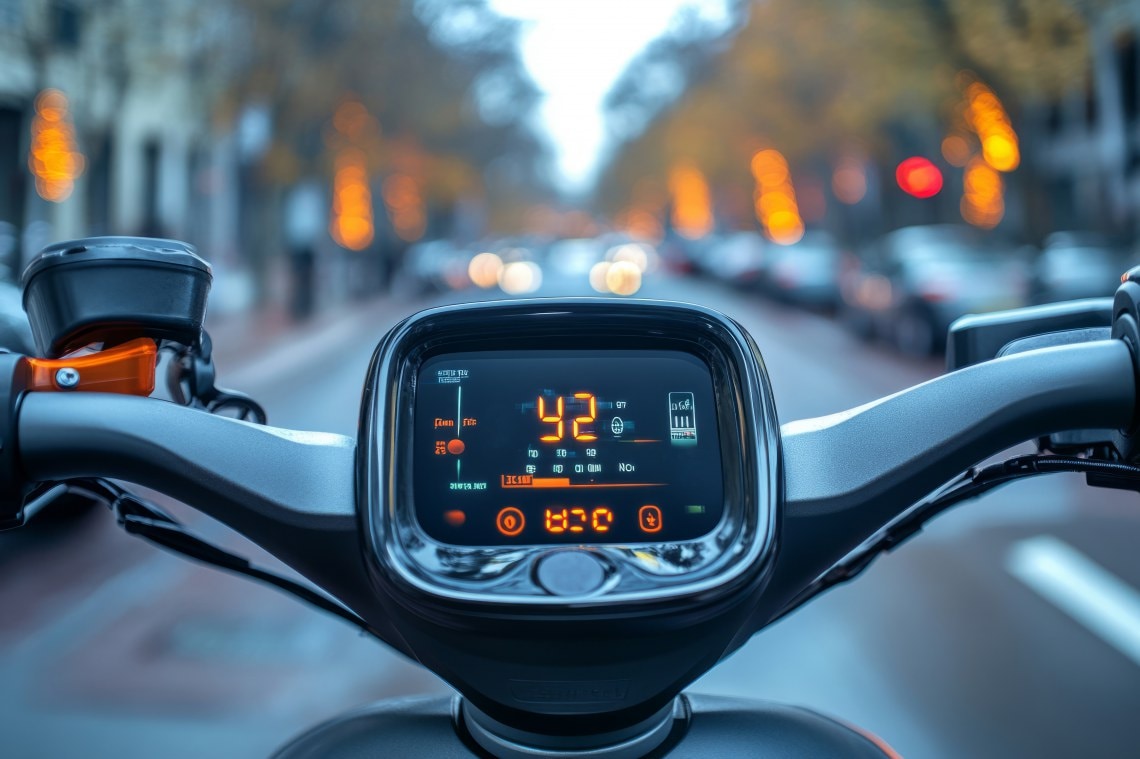
Automotive Add-Ons
Remote start, diagnostics and digital displays for two-wheelers
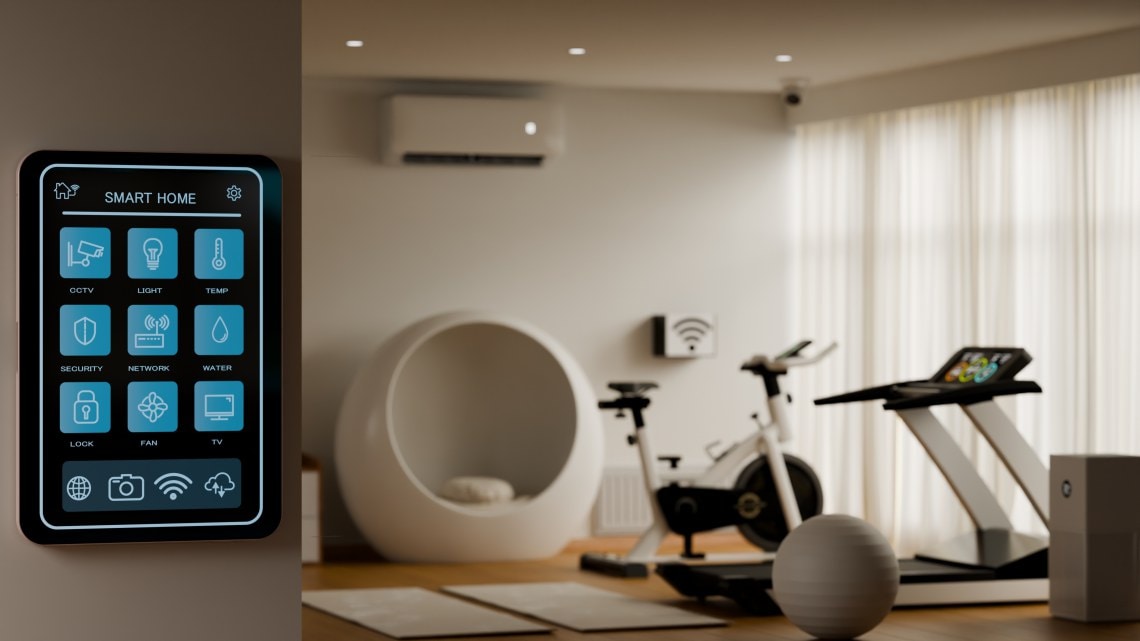
Medical and Fitness Devices
Touch-enabled monitors and Bluetooth-connected fitness equipment
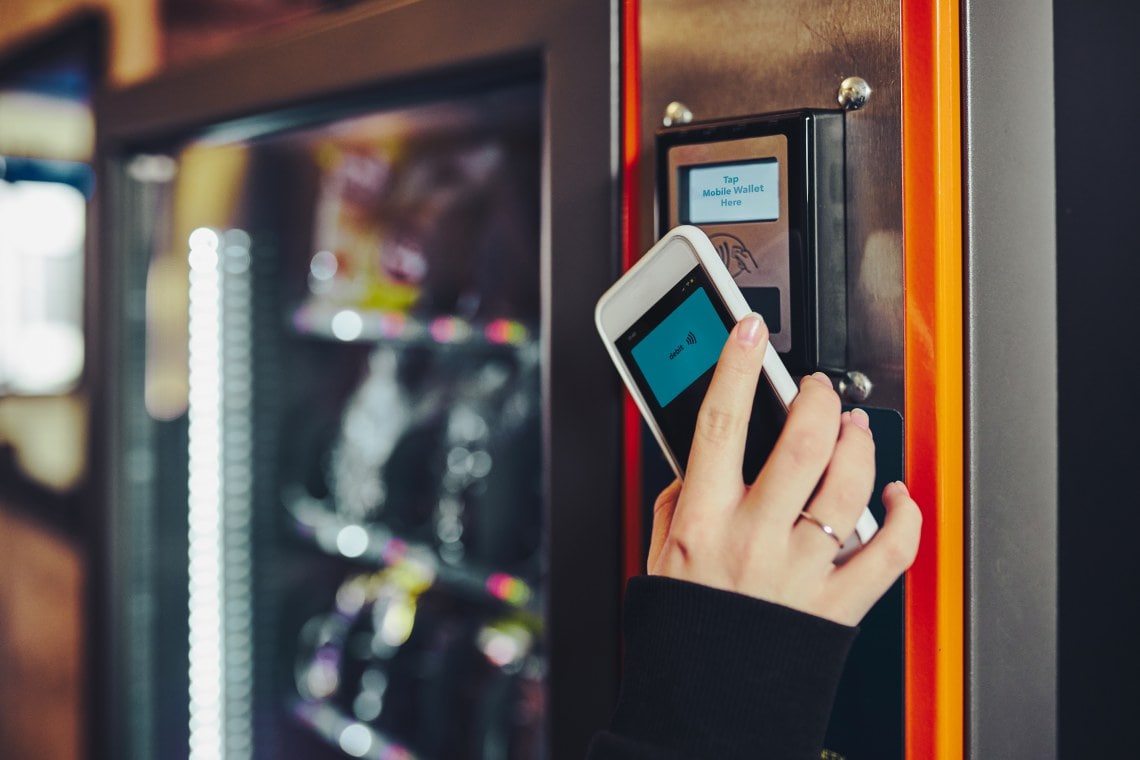
Commercial Equipment
Vending machines, POS terminals and smart kiosks
Getting Started With Integrated Touch and Graphics

Out-of-the-Box Demo Walkthrough
See the PIC32 BZ6 Curiosity Board in action as it connects to Bluetooth LE, streams temperature data and controls an onboard LED.

PIC32 BZ6 Graphics Demos
Follow along as we walk through our display demos. You’ll learn how each interface works and how to set up the hardware.

Comparing LCC, Parallel 8080 and SPI Displays
Explore the trade-offs, use cases and demos for the three display interfaces supported by PIC32 BZ6.

Getting Started With Graphics on PIC32 BZ6
Learn how to implement touch-enabled graphical interfaces using LCC or parallel 8080 displays.
Ready to Start Building With PIC32 BZ6?
Get hands-on with the PIC32 BZ Curiosity development kit, designed to jumpstart your wireless and graphical interface projects. It includes everything you need to explore Bluetooth, Thread/Matter, touch interfaces and graphics using the PIC32 BZ6.
Datasheets, user guides and application examples are available right on the development kit page to help you get started quickly.